Bulk file renamer · for Windows & macOS

Rename thousands of files in just a few clicks.

Bring order to your files and folders. Build custom naming rules, filter your files, and preview every new filename before applying changes.

Download for
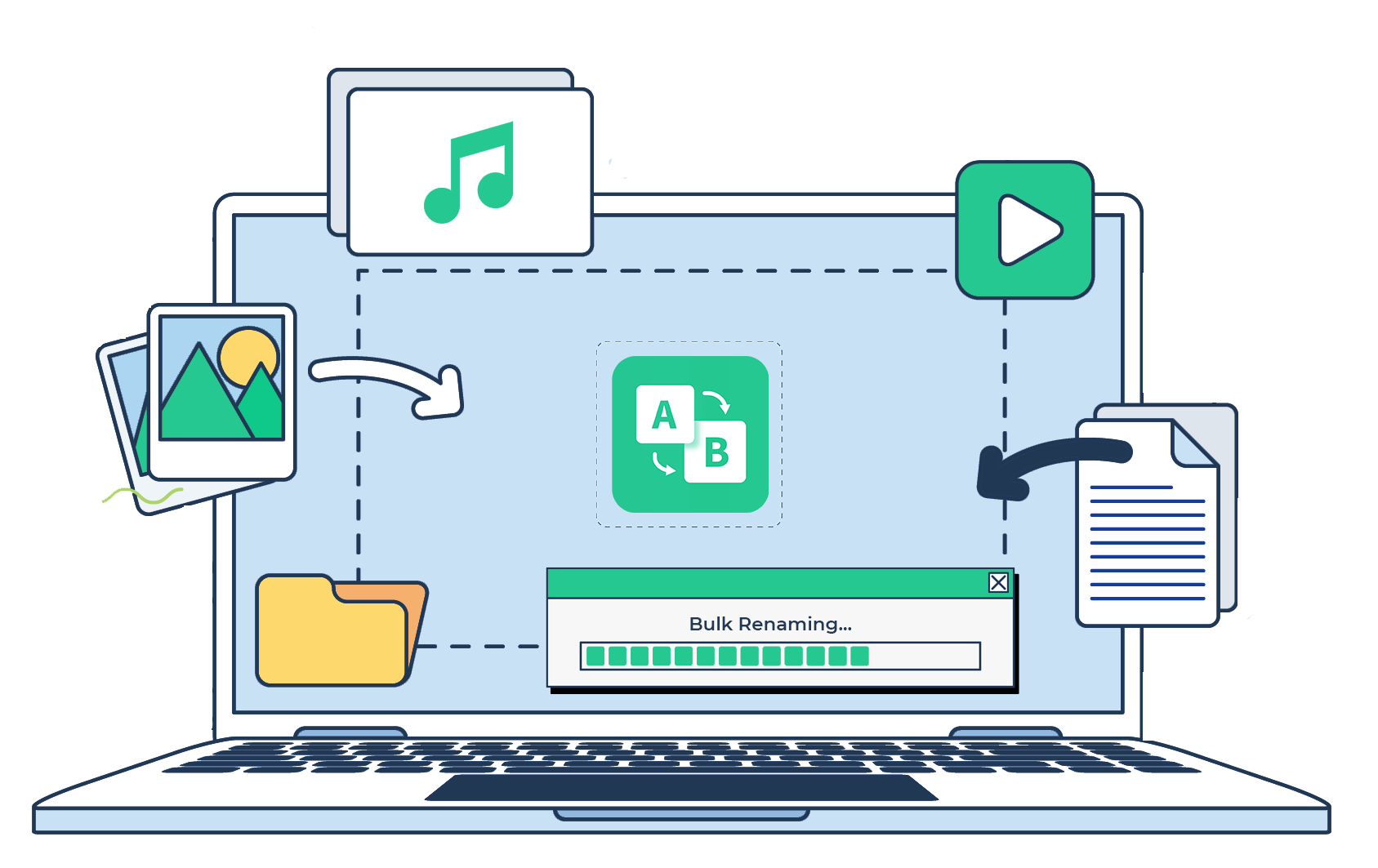
RenameKit bulk renaming illustration for images, videos, music, and documents
特徵

A simpler way to organize your filenames

Flexible rules and a clear preview make even your largest renaming jobs easy to manage.

01

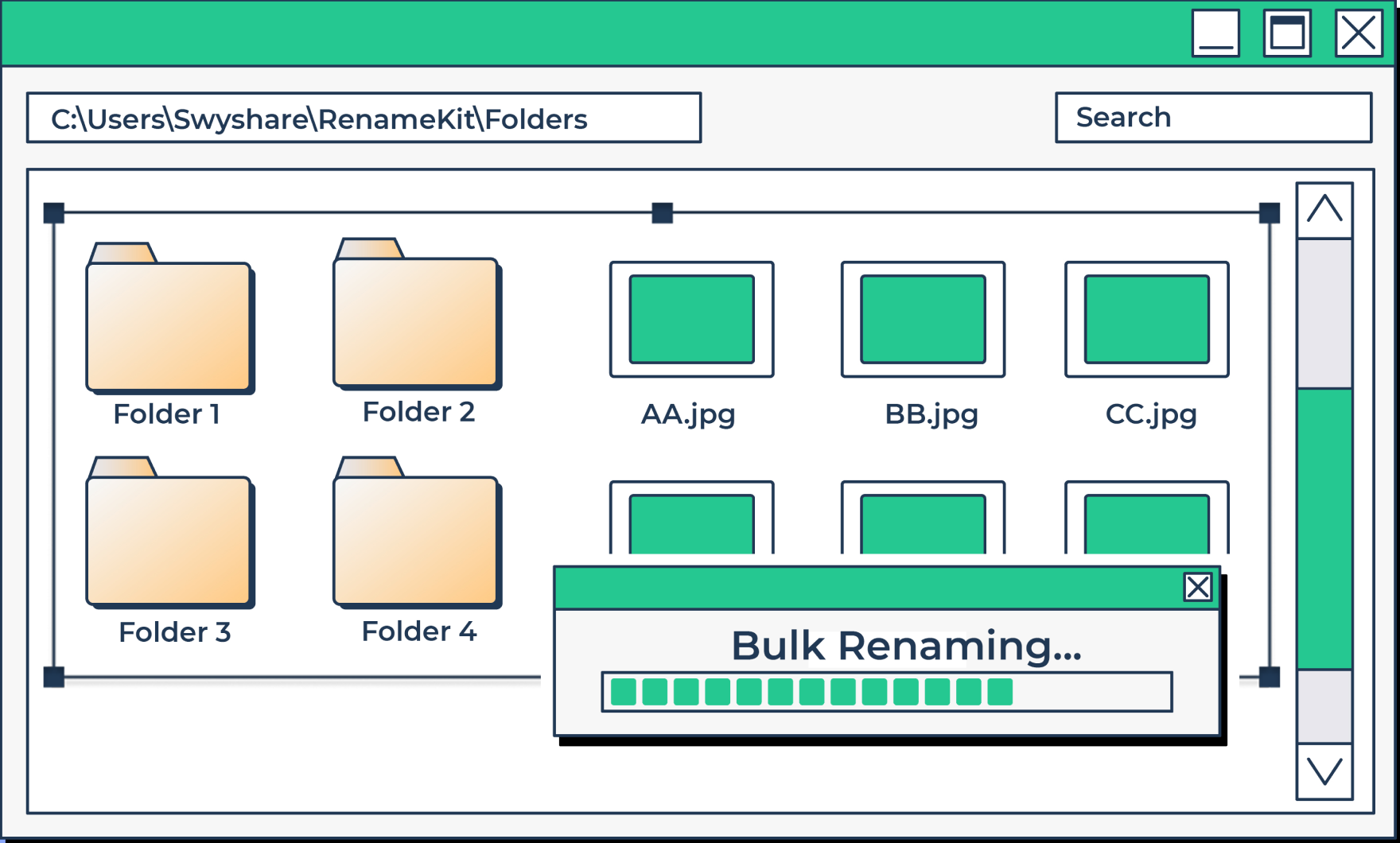
Rename files and folders in bulk

Handle thousands of files in one go. Keep large photo collections, media libraries, and document folders organized with consistent filenames.

Bulk renaming files and folders
02

Build naming rules that work for you

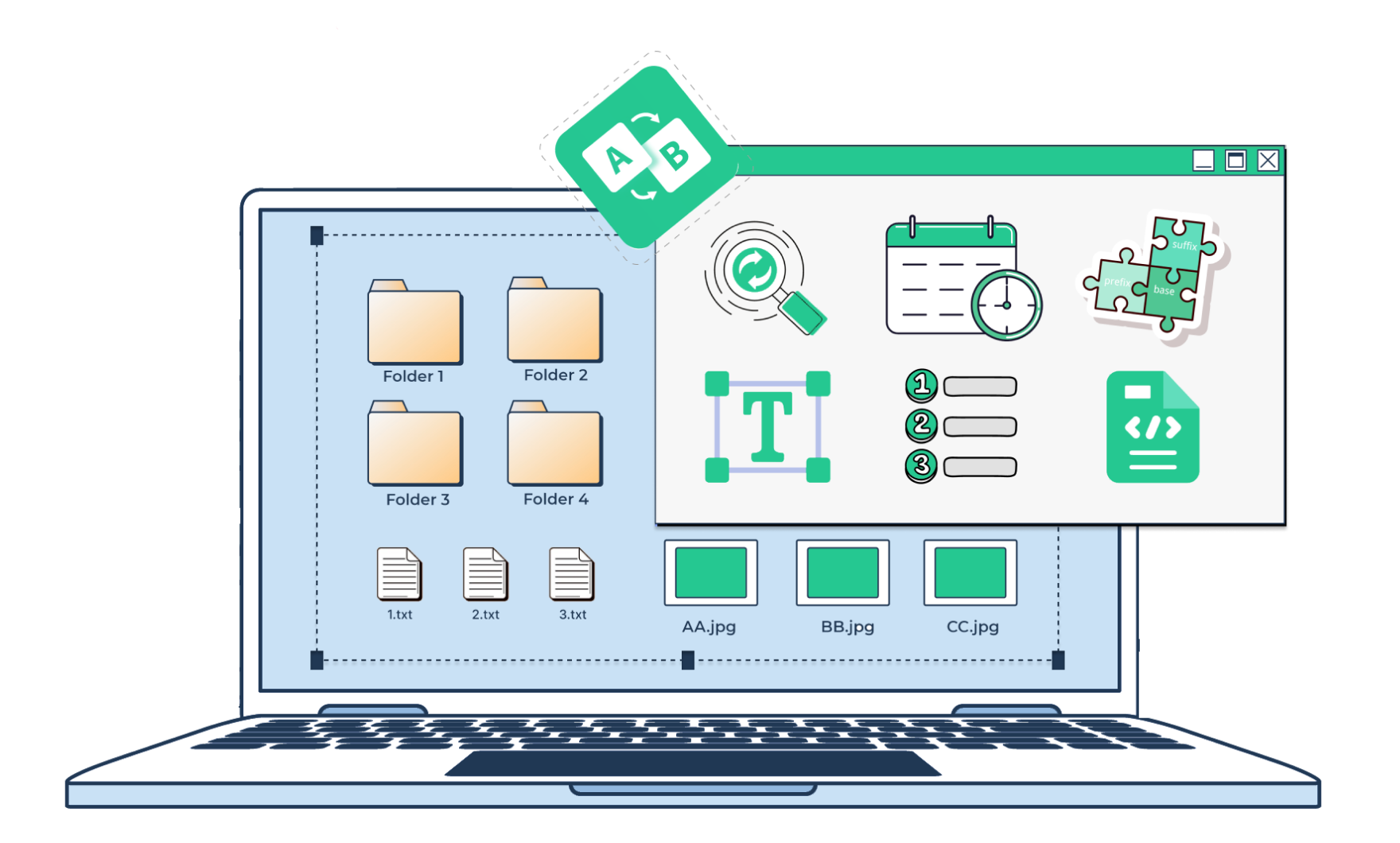
Add prefixes and suffixes, replace text, insert numbers, or use file metadata. Combine patterns to create a naming convention that fits your workflow.

可自訂的命名規則
03

One tool for all your file types

Rename images, videos, music, documents, and more. Work with JPEG, PNG, MP4, MOV, MP3, PDF, DOCX, XLSX, archives, and other file types.

Supported file types
04

At home on Windows and macOS

Use RenameKit on your preferred platform, with the same flexible renaming workflow on a Windows PC or a Mac.

Windows and macOS compatibility
How it works

如何批次重命名文件

Adding files and folders to RenameKit
Naming rules

Your filenames, your rules

Prefix and suffix

Add text before or after an existing filename.

Search and replace

Find specific text in filenames and replace it with new text.

Text modification

Change letter case or insert and remove text at specific positions.

Numbering and sequencing

Add sequential numbers or custom numbering patterns.

日期和時間

Include file or folder date and time information in filenames.

Metadata support

Use image Exif data or music ID3 tags to name your files.

Extension management

Modify extensions across multiple files in one workflow.

Reset rules

Clear your current settings and configure a new set of renaming rules.

FAQ

Frequently asked questions

RenameKit 有免費試用版嗎?

Yes, RenameKit offers a 7-day free trial with access to all features. You can purchase a full license if it meets your needs.

我可以同時重命名多少個檔案?

You can rename thousands of files simultaneously, speeding up your file management tasks.

RenameKit 可以處理哪些類型的檔案?

RenameKit supports images, documents, videos, music, archives, system files, web files, code files, spreadsheets, presentations, eBooks, font files, CAD files, and more.

RenameKit 支援哪些語言?

RenameKit supports English, German, French, Spanish, Portuguese, Italian, Simplified Chinese, Traditional Chinese, and Japanese.

我如何了解有關使用 RenameKit 的更多資訊?

Visit the user guide and tutorials on the Swyshare website, or contact the support team if you need help.

Get started with RenameKit today

Turn a folder full of inconsistent filenames into an organized collection. Set your rules, preview the results, and rename in bulk.

Download for
RenameKit product box